


Storybook
Open the Storybook workspace and start an album design from the tools available to your account.
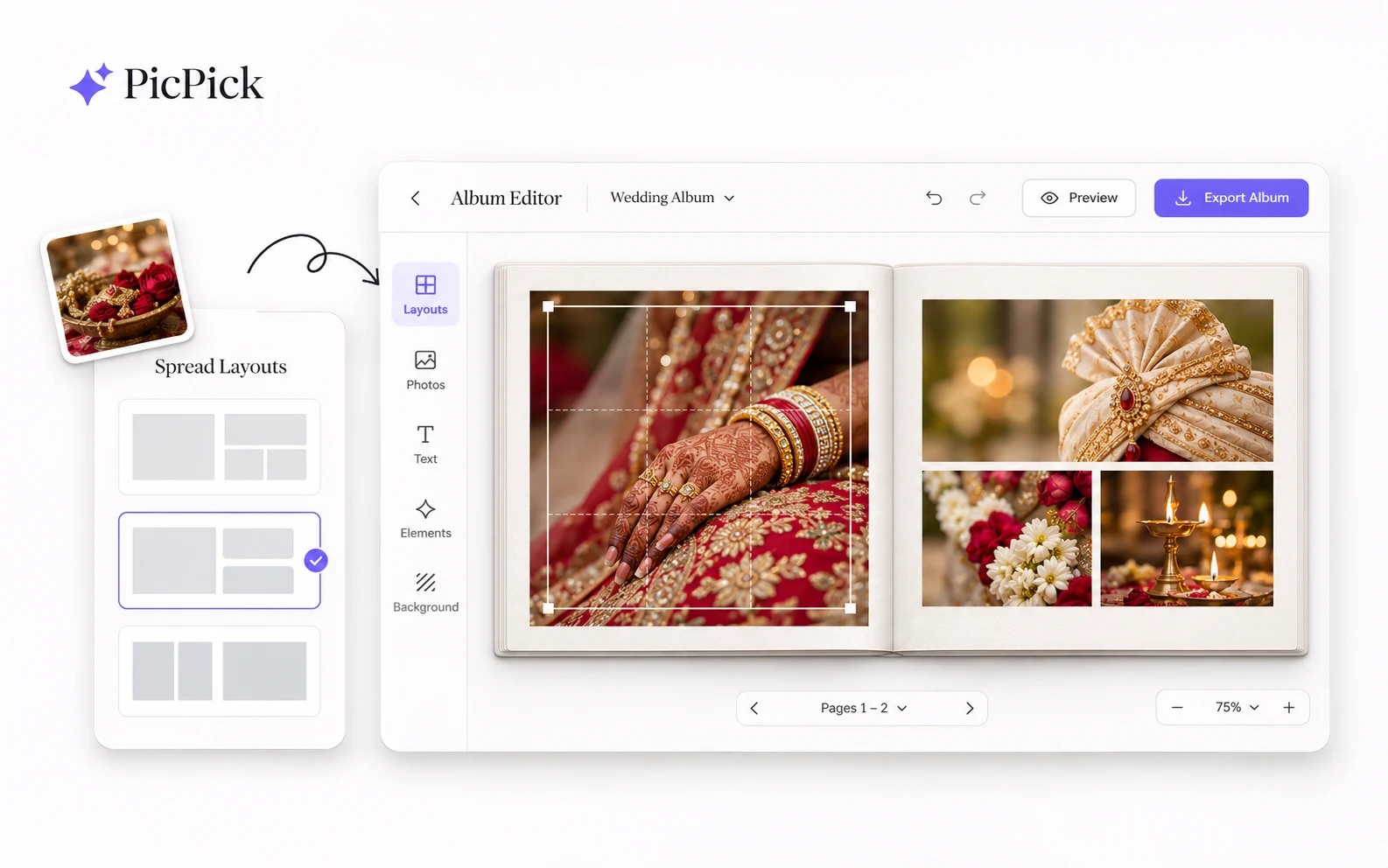
Storybook is the album design workspace. Build spreads, arrange images and review how the pages read together before moving the design into the next part of your delivery process.
The dashboard shows whether Storybook is available to your account and provides the supported launch option.

What’s included
-
Spread composition
Work on adjacent album pages together so the placement and scale of each image make sense across the spread. -
Layout and image placement
Use the controls available in the editor to arrange photographs and check how they sit in the selected layout. -
Page sequence
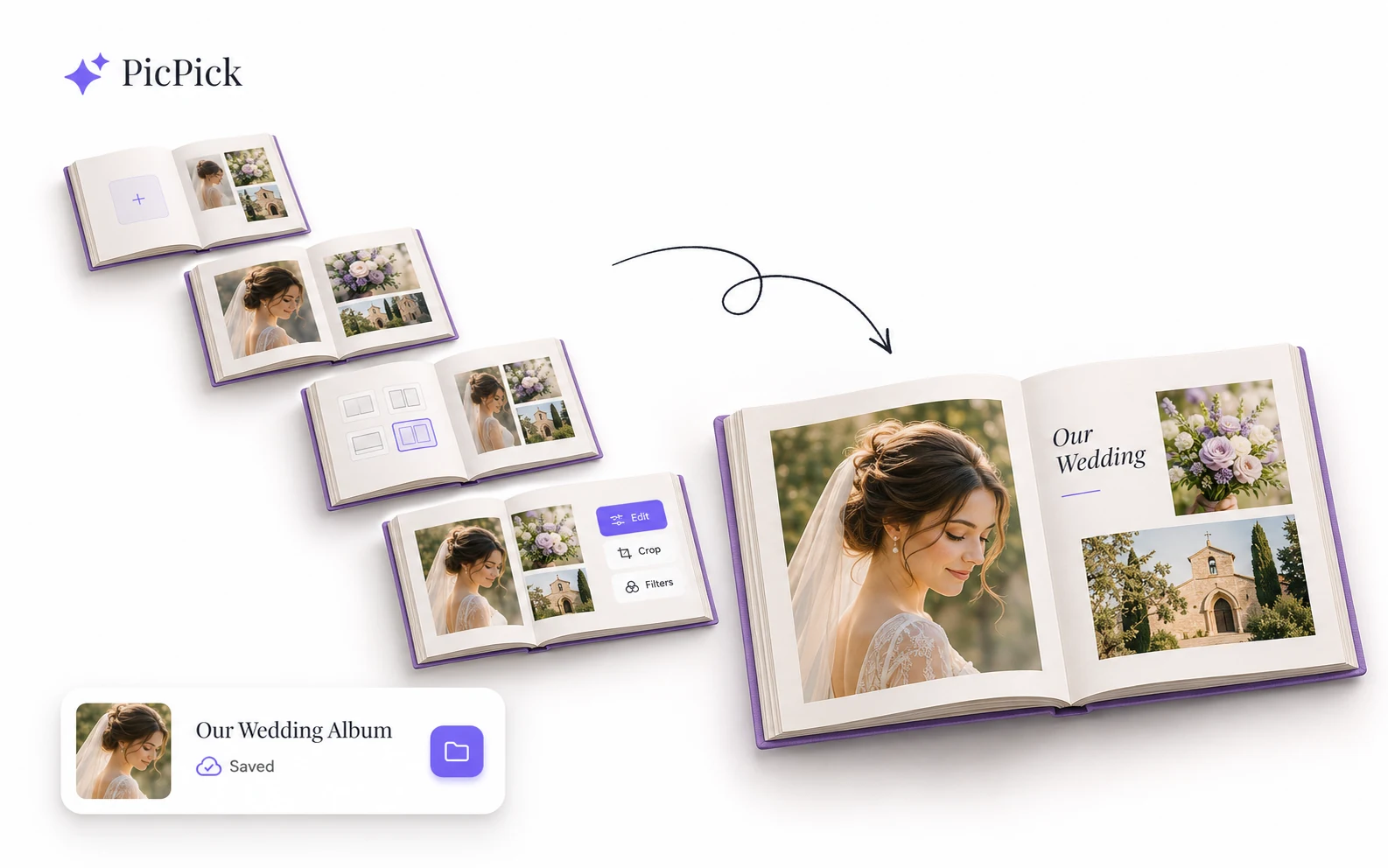
Review the order of your spreads and check previews before saving.
Where it fits in your workflow
Wedding albums
Organise the story across preparations, ceremony and reception, then review how the transitions read.
Portrait books
Use the sequence to alternate wider compositions with quieter portrait spreads.
Save the design and check the next step
Check the finished sequence
Review page order and image placement before saving the project.
Use the available output controls
After confirming the save, use the export or share options available in your editor. Digital Album proofing is a separate workflow for collecting client corrections.
Common questions
Check plan access, app version and popup restrictions, then contact support with the error.
Get started with Storybook
Follow the walkthrough or choose how to open PicPick on your device.