


Themes Marketplace
Choose from the themes available for your client-facing experiences.
Browse designs for supported PicPick experiences and see how a different theme changes the presentation of the same work.
Check the supported service type and any access requirements before choosing a theme. Apply it from the relevant create or edit settings and then test the public link.
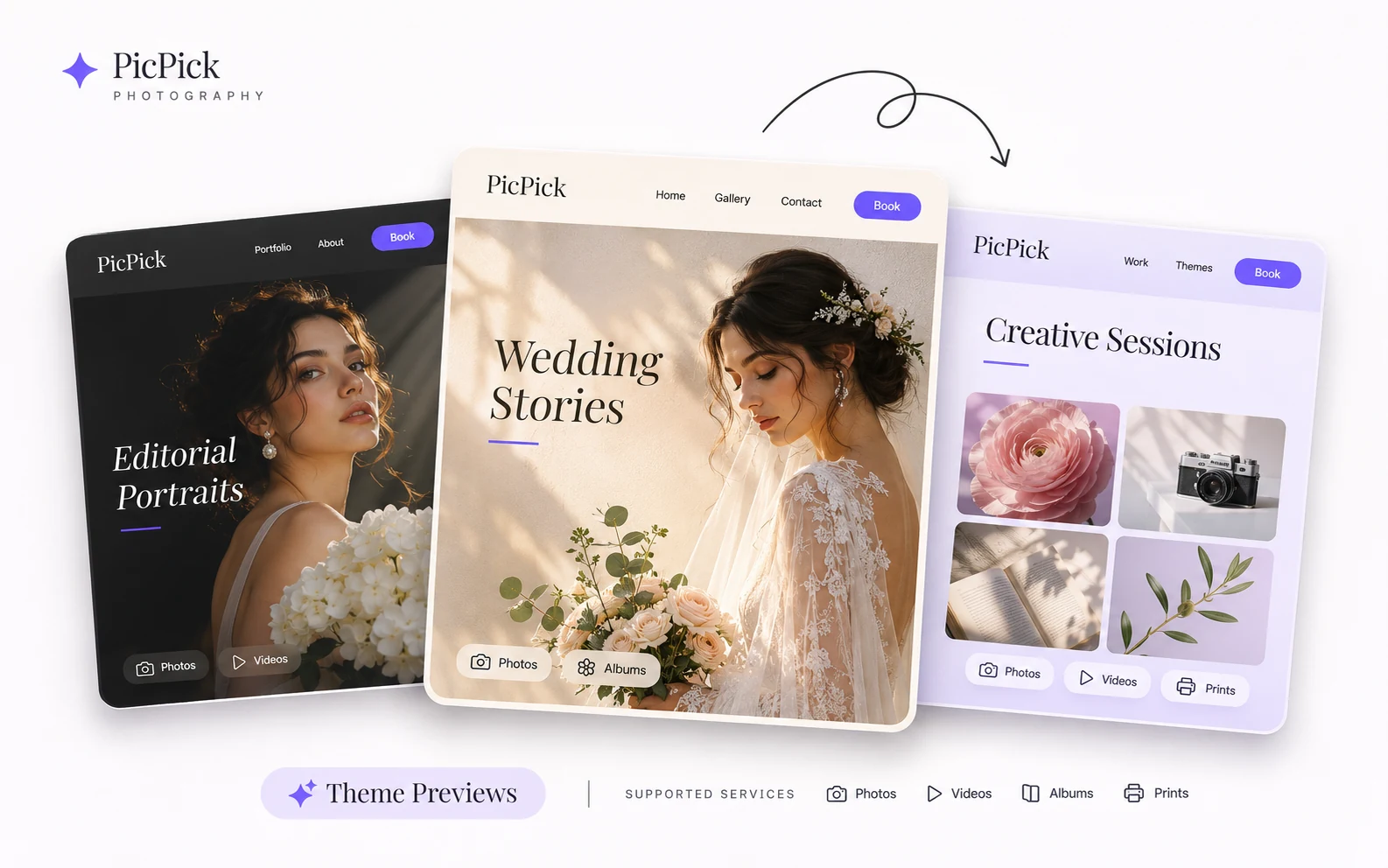
What’s included
-
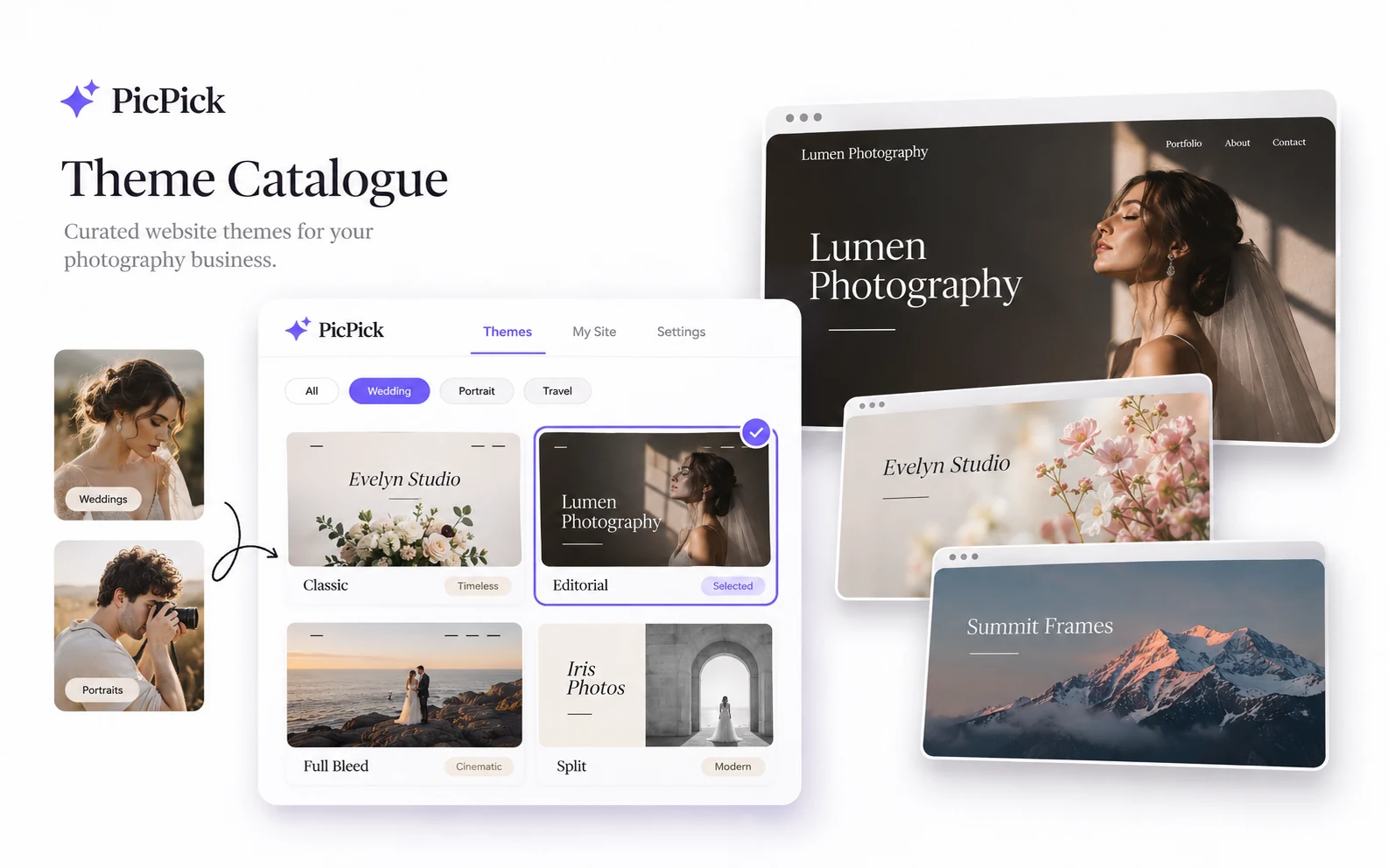
Theme catalogue
Explore the designs available to your account and identify which service each theme supports. -
Visual previews
Compare layouts and the way each design presents covers, images and branding. -
Service settings
Apply a compatible theme to the intended item, save your changes and check what the visitor sees.
Where it fits in your workflow
Consistent studio presentation
Choose designs that work with your studio’s identity across the services you share.
Different kinds of delivery
Compare a design that emphasises a cover image with one that brings browsing into view sooner.
Check compatibility and preview the live result
Confirm access
Review supported services and any price, subscription or availability shown in the catalogue.
Test the visitor experience
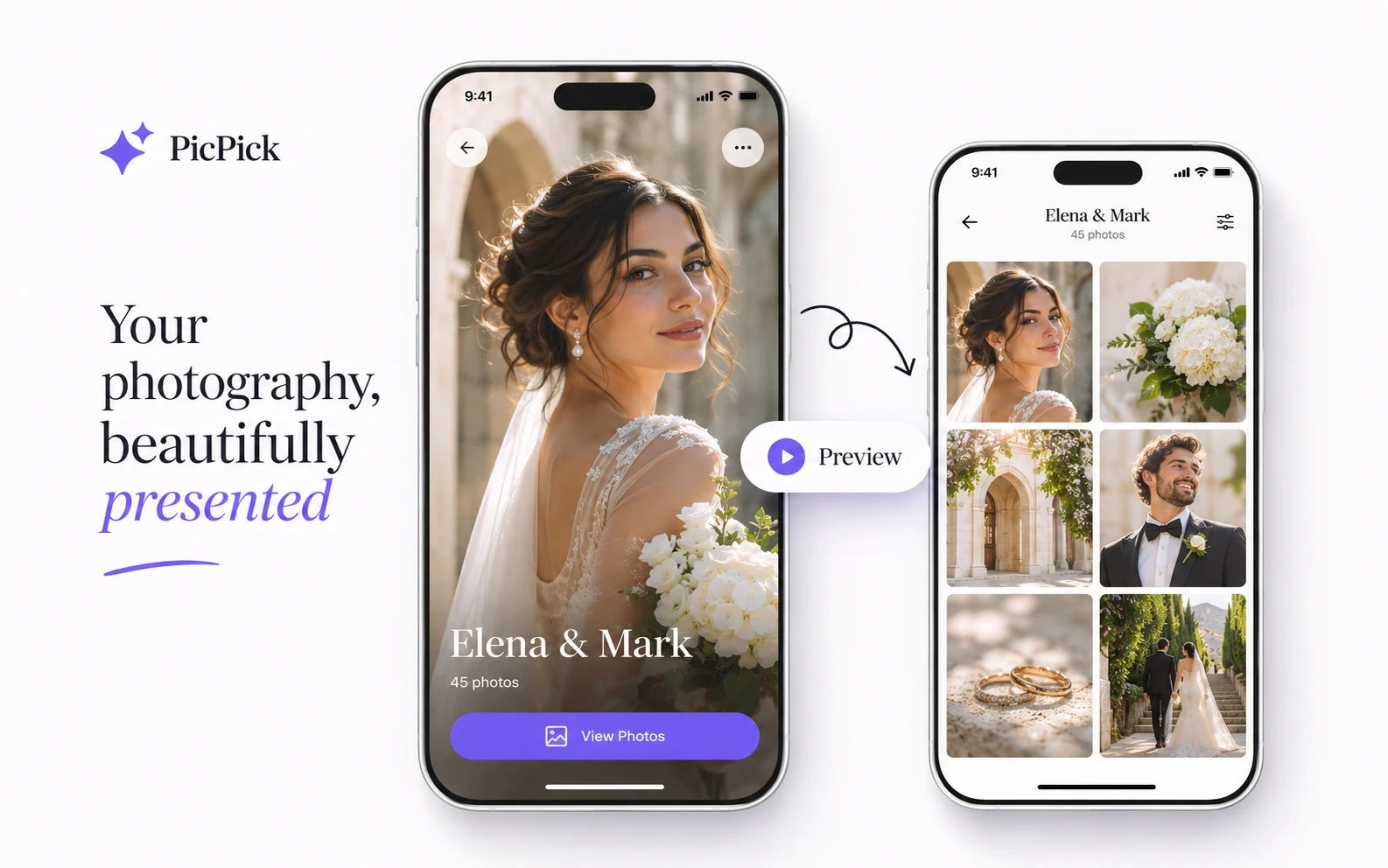
Open the saved item’s public link and check the cover, navigation and branding on a phone.
Common questions
Only use it for the service types it supports.
Get started with Themes Marketplace
Follow the walkthrough or choose how to open PicPick on your device.